Opentext
Design System

Main Objective
Establish new modes for design system components
Team
Designer - team of 5

Timeline
3 Months

Result
10+ components in 4 modes with mockups and reusable guidelines
Background
OpenText Design System Revamping Project

OpenText | Waterloo office
OpenText is a top 10 global B2B SaaS software company focusing on business information management.
I joined the design system team helping out with polishing the new modes for user preference and accessibility reasons in the Europe.
Team: 2 Senior Designer, 1 Art Direction, 2 Junior Designers
Main Contribution:
• 12 design components in 4 modes
• Guideline refinement for 9 components
• Explorations in most up-to-date design system setup methods
Brief
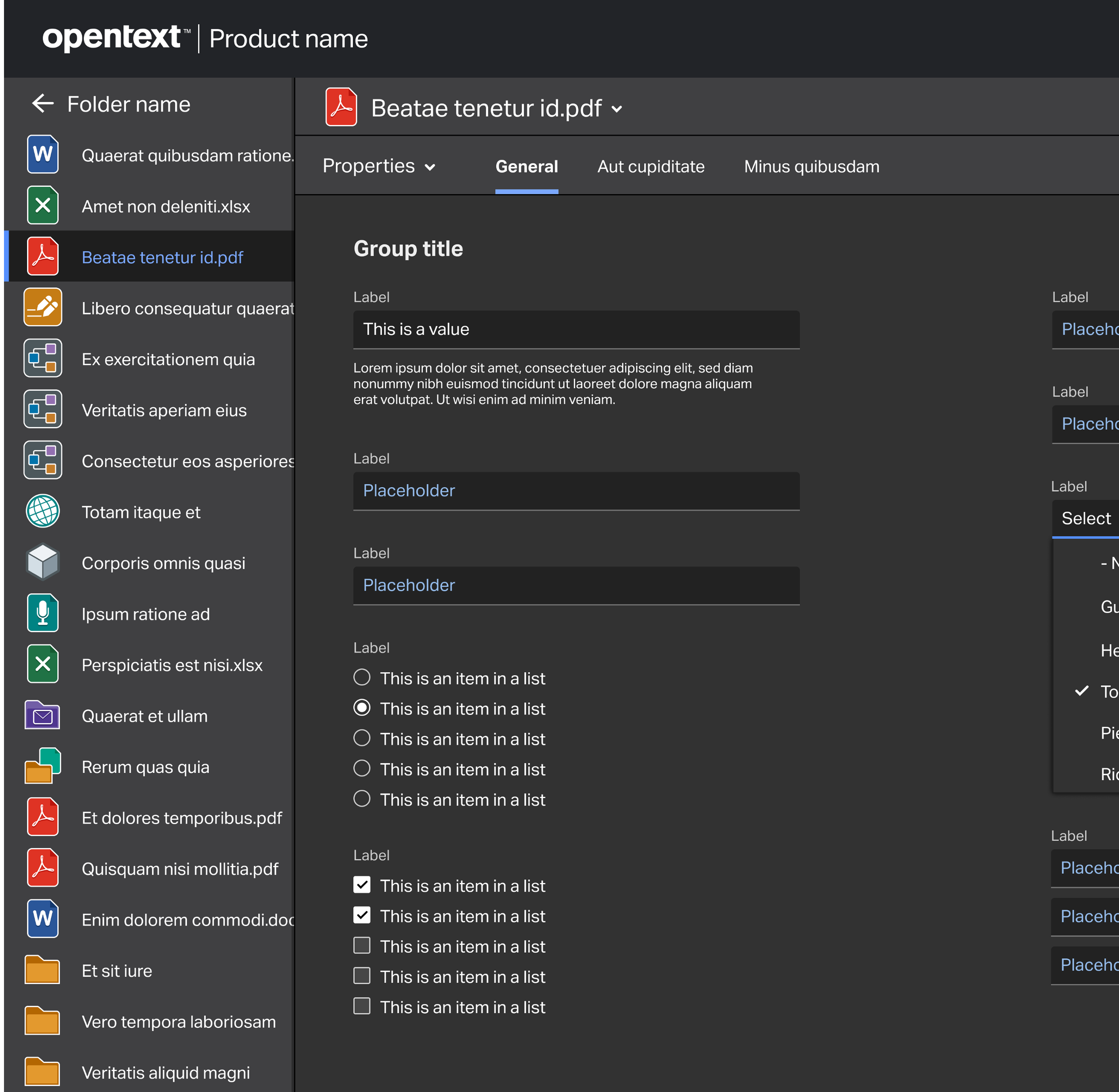
The four modes
For legal and user experience reasons, more and more softwares provide different color modes that users can select based on their own needs.
The four modes in our scope would be:
Brief
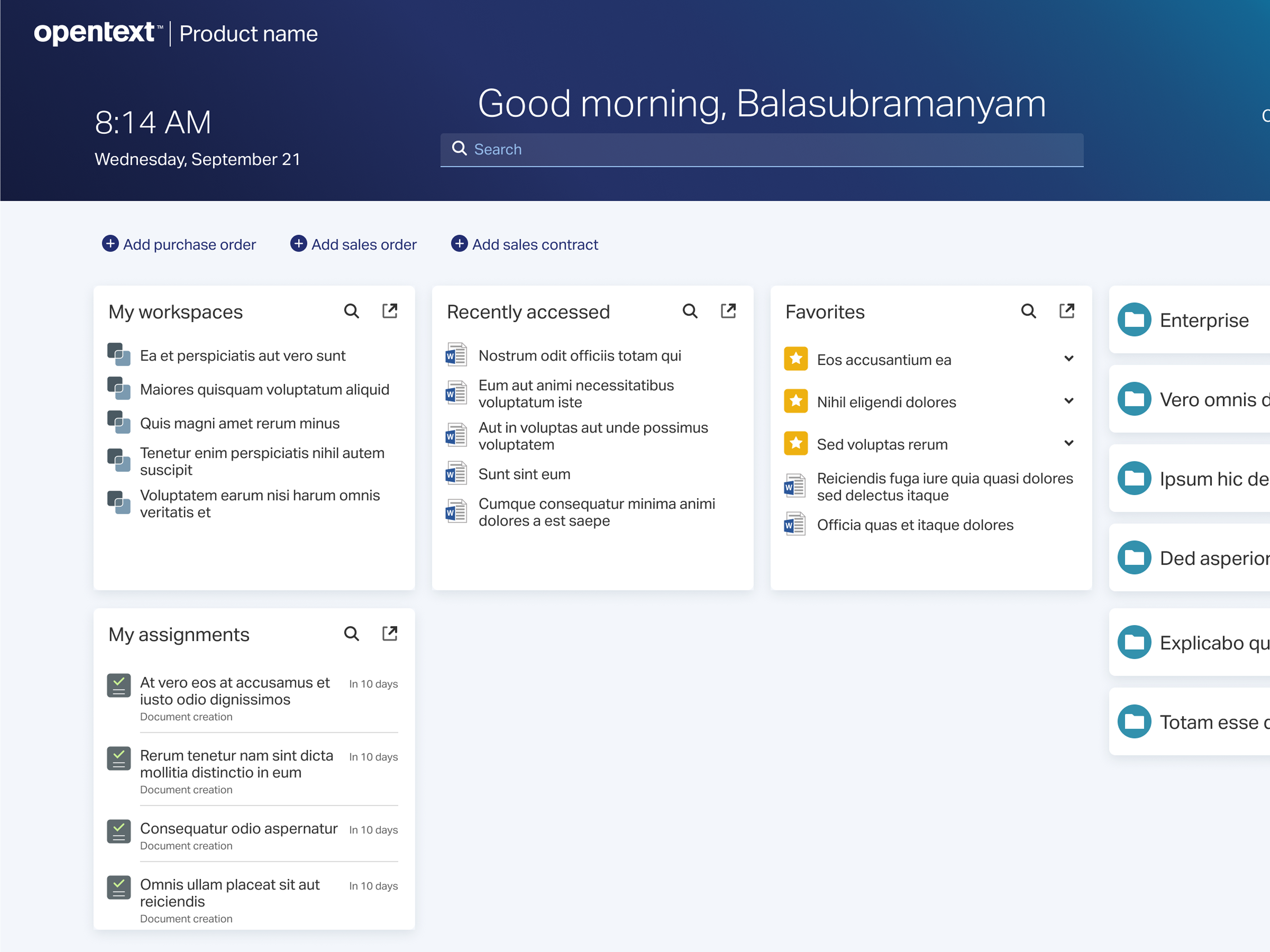
Various Components
For legal and user experience reasons, more and more softwares provide different color modes that users can select based on their own needs. The four modes in our scope would be:
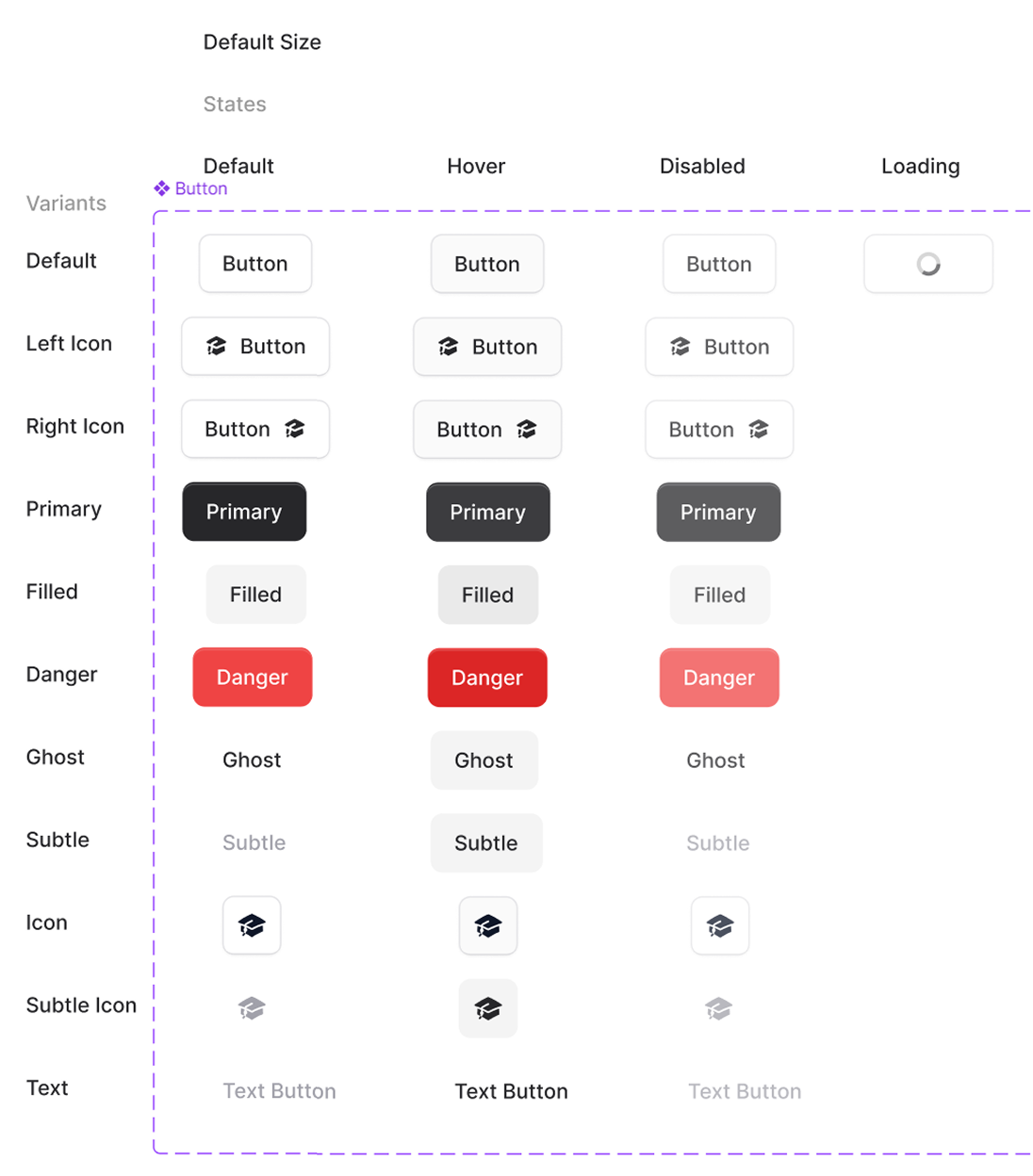
Buttons

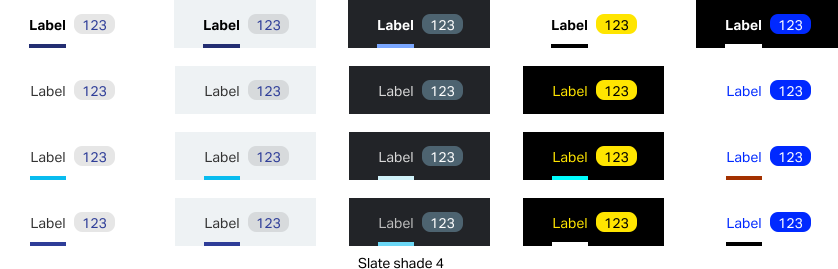
Labels
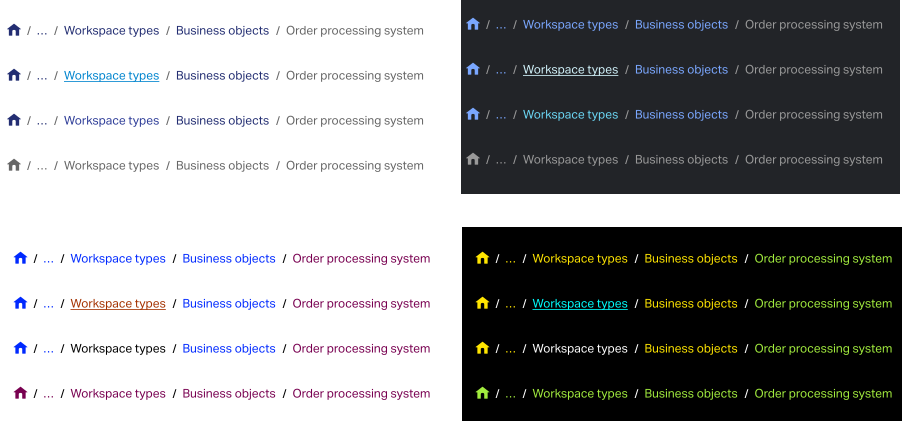
Breadcrumbs
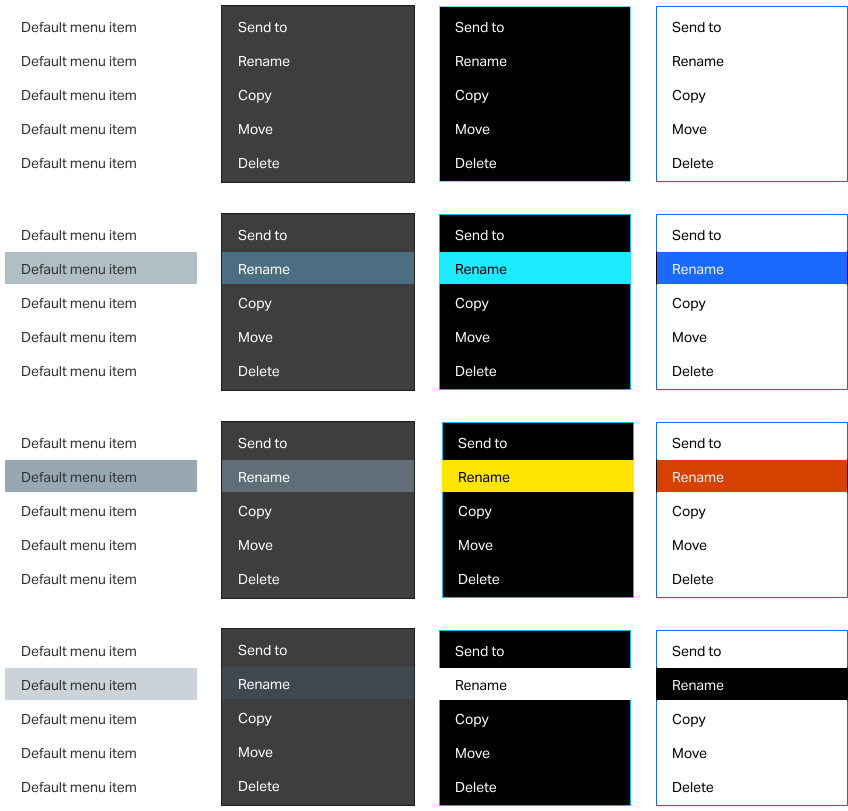
Menus
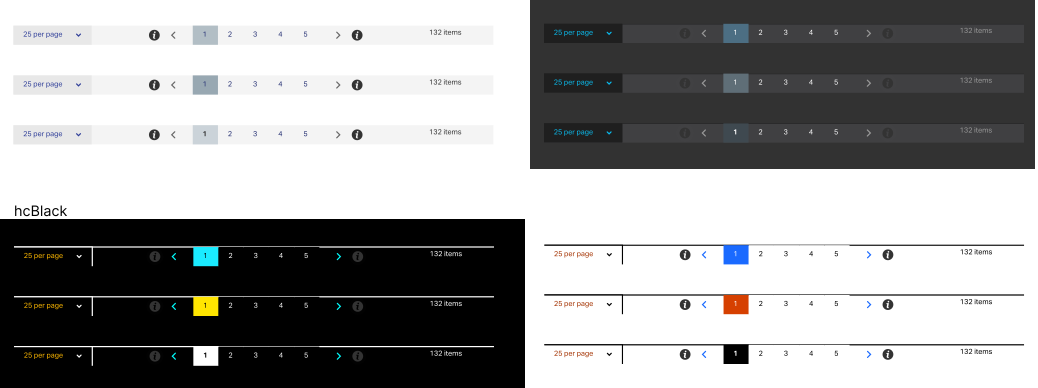
Paginations
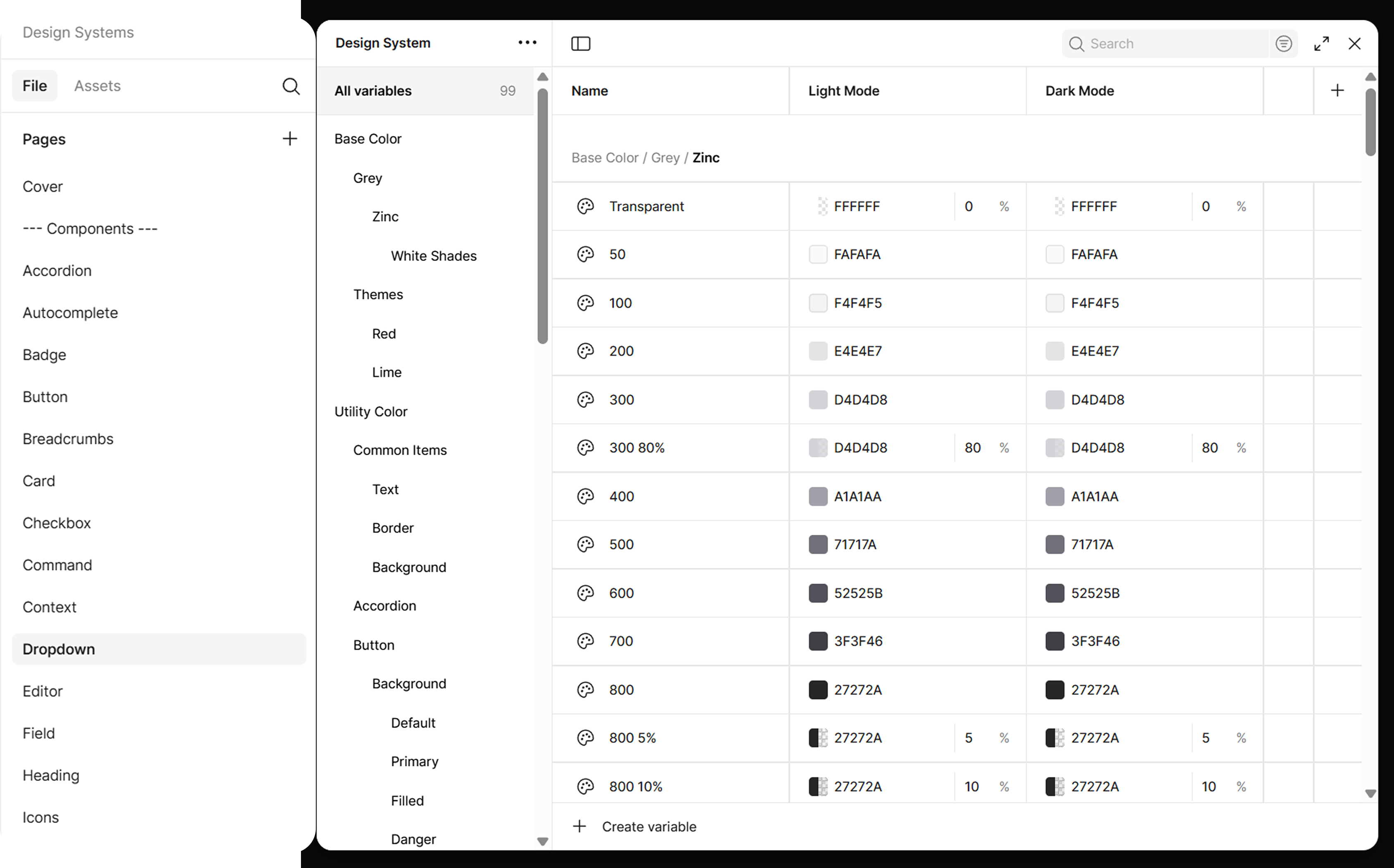
Tokens
Making Design into Systems
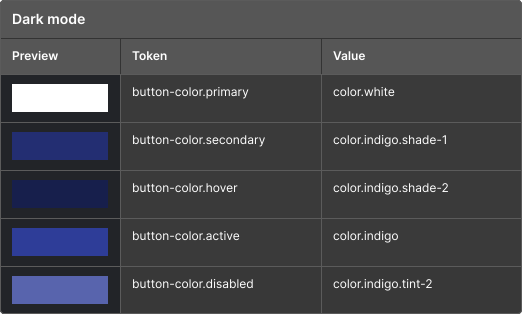
Semantic tokens
Applied colors to common areas and modes
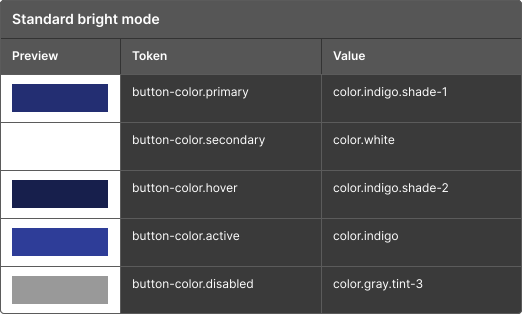
Naming
We are having a simplified naming system due to our product is SaaS and the brand is using quite limited color palettes. Hence, lots of colors are reused and we can suffice the seemingly large system with a manageable number of namies.

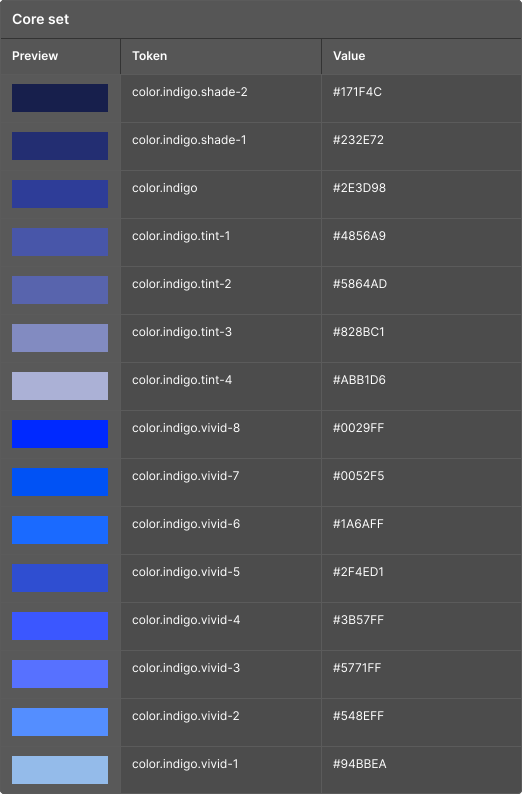
Core Tokens
Main palette
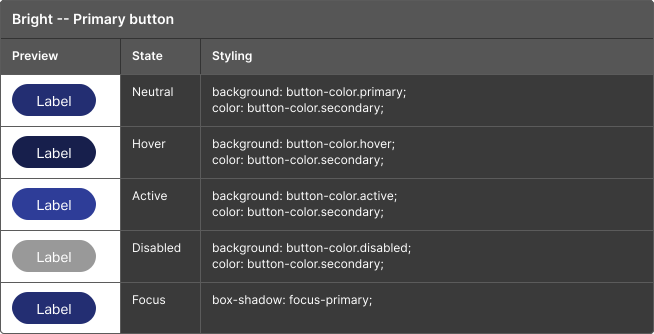
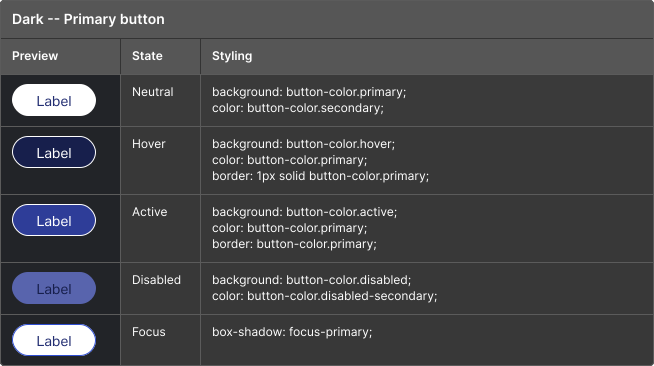
Component tokens
Applied colors to components
Takeaway
Carrying the knowledge with me
The habits I built here — thinking in tokens, modes, and reusable rules — stuck with me, shaping how I approach every design problem since.
Freelancing Project
Personal Digital Product Setup
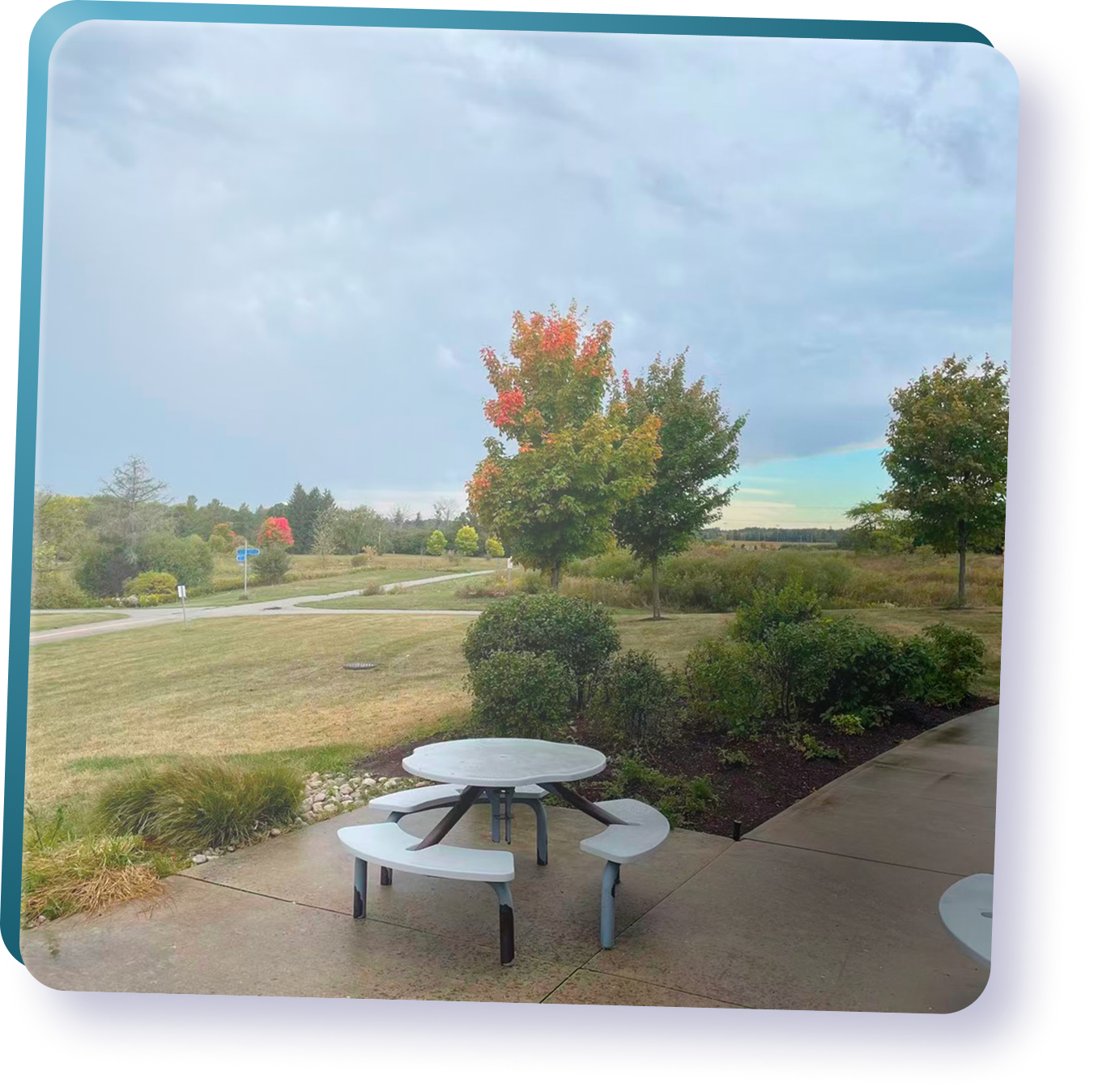
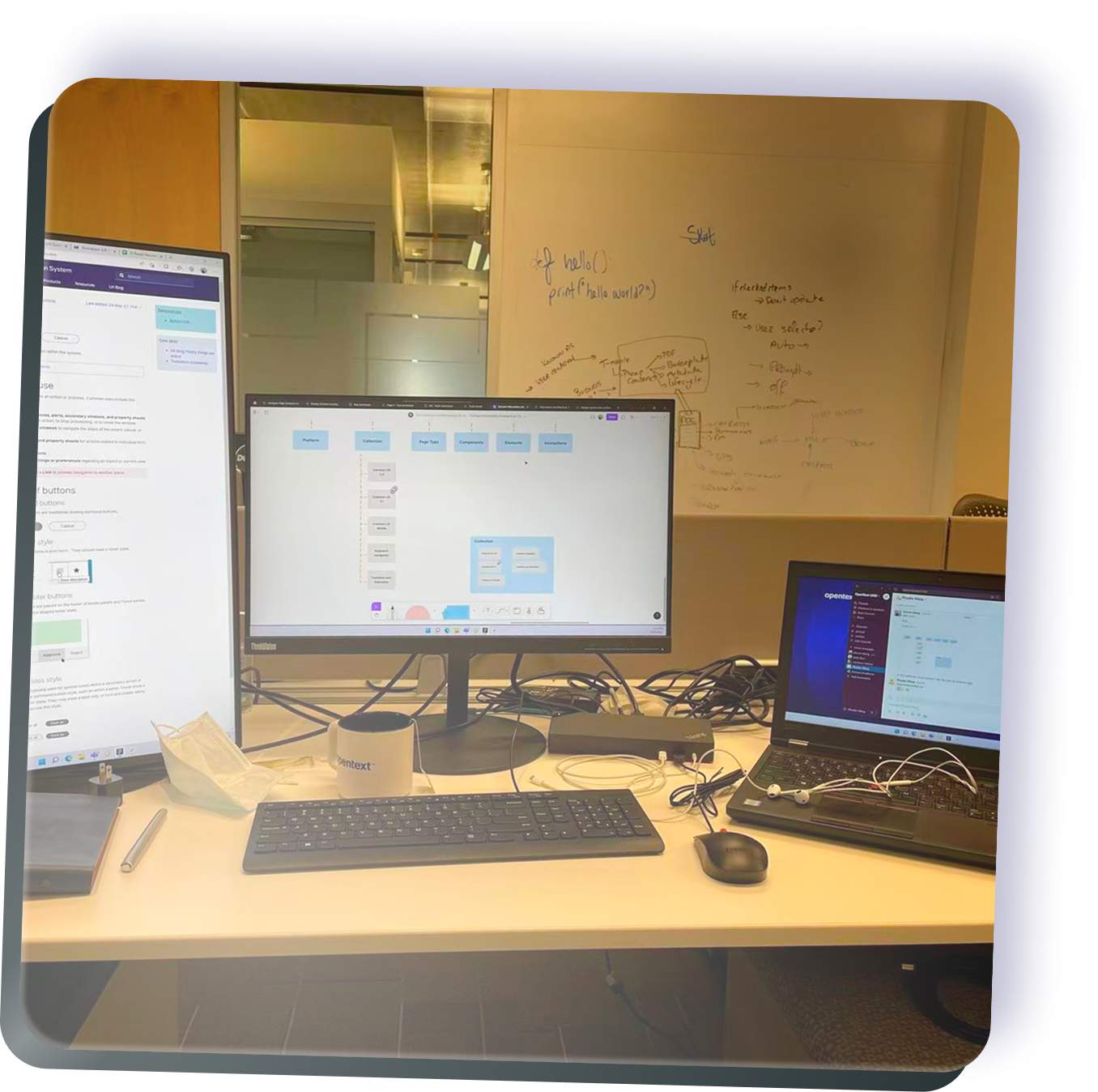
Memories
Summary of my journey
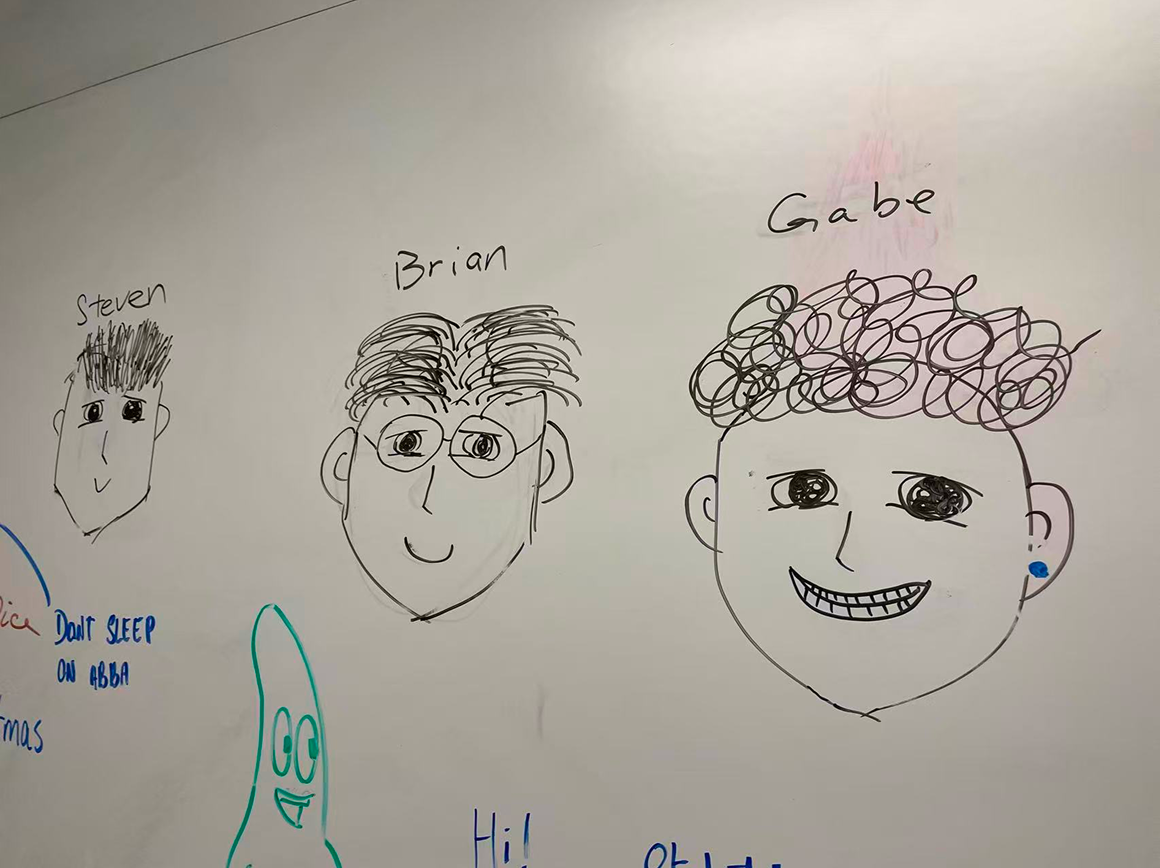
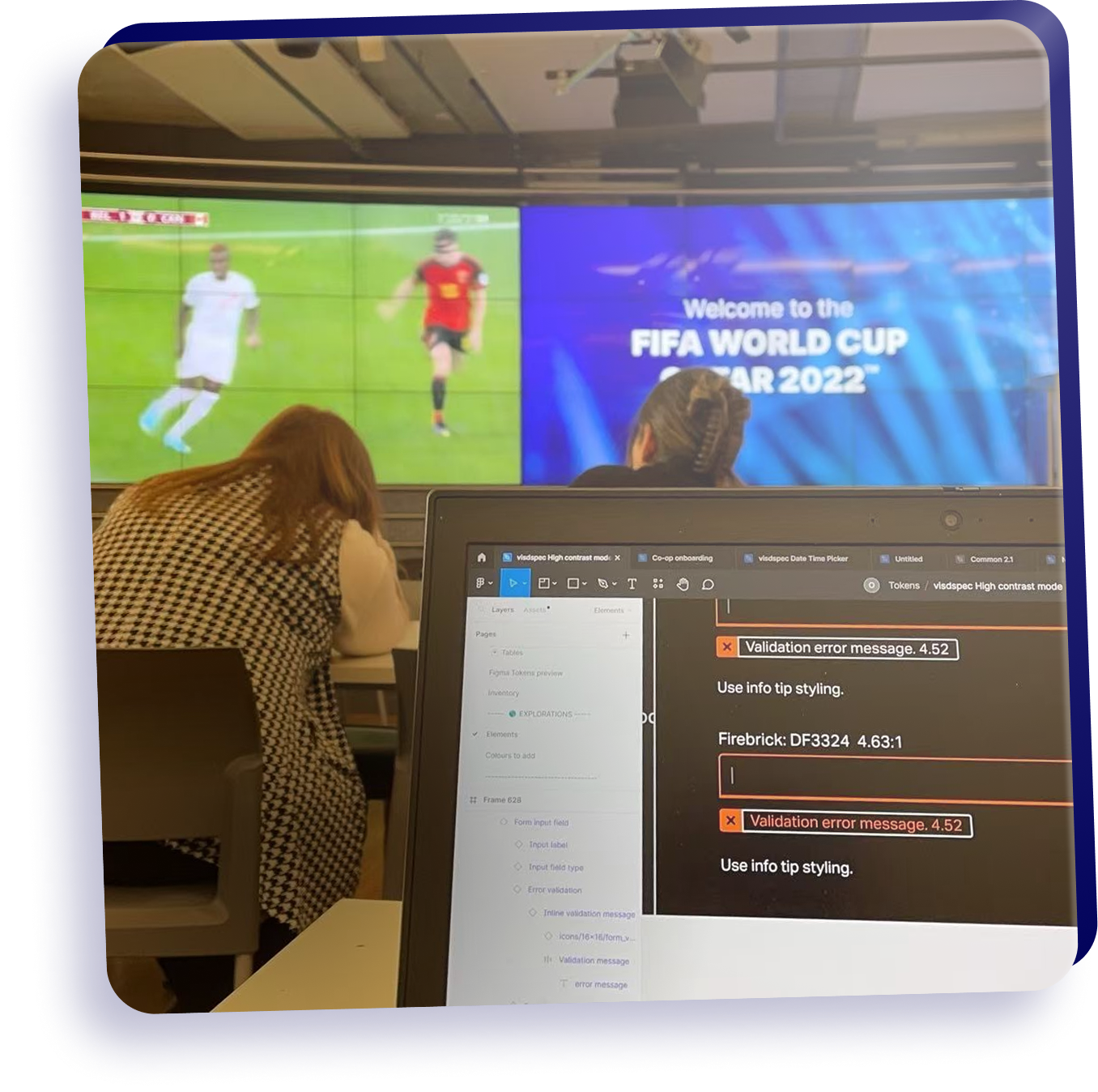
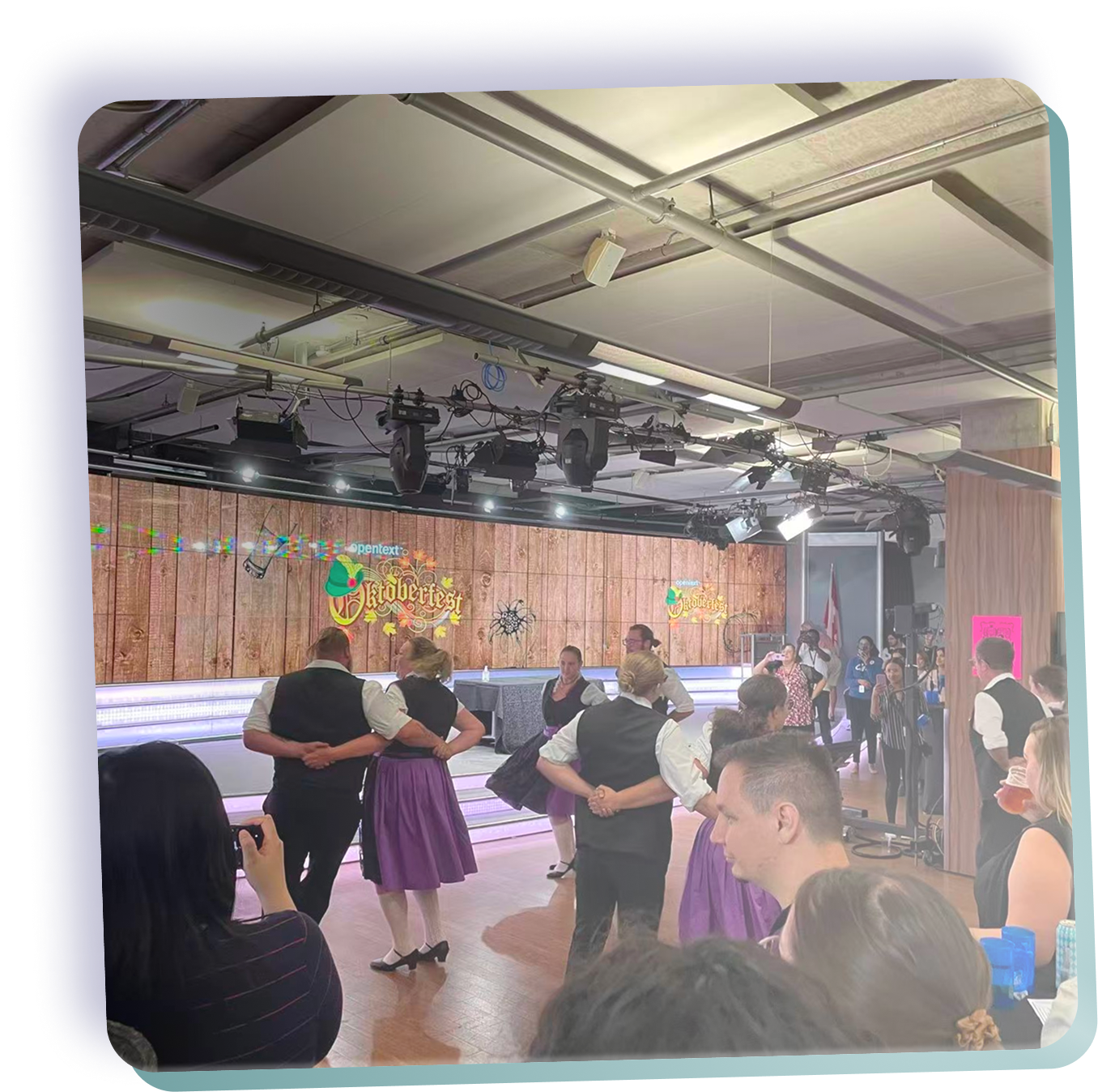
I had a genuinely good time here — surrounded by a supportive team and mentors who cheered me on, made room for me to grow, and made every day worthwhile.